
HOW TO CHANGE PAYMENT ADDRESS IN GOOGLE ADSENCE :
You can change the payment address in your AdSense account by following these steps given below as points
- Sign in to your AdSense account.
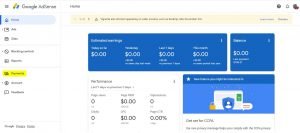
- Click Payments.
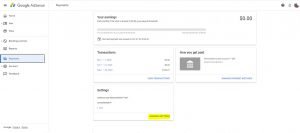
- In the “Settings” section, click Manage settings.
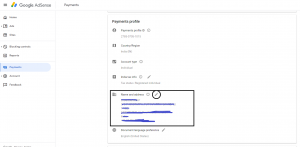
- In the “Payments profile” section, click Compose next to Name and address.
- Update your payment address in the “Address” fields.
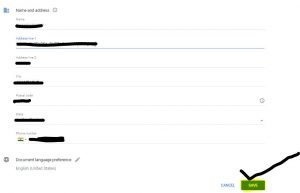
- Click Save.
